Feature Description
AdGuard Private Service offers flexible internet schedule management to help parents better regulate children’s online time. You can set independent internet access rules for different devices to ensure healthy internet usage for family members.
Setup Steps
- Log in to AdGuard Private Service management interface
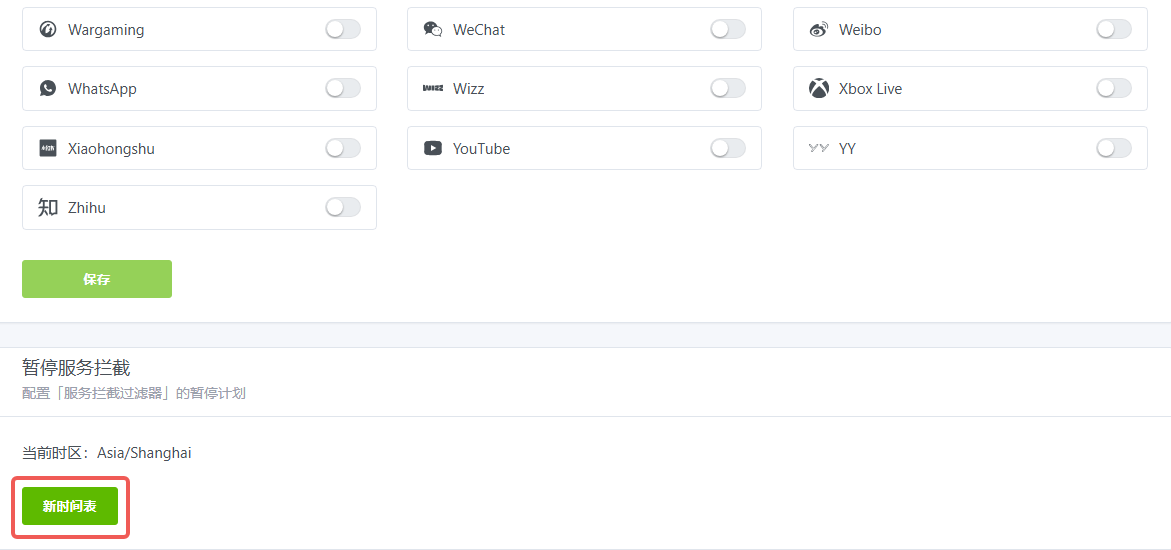
- Navigate to Filters -> Blocked Services
- Click the “Internet Schedule” option
- Set allowed or restricted internet access time periods
Usage Recommendations
- Set age-appropriate internet schedules for school children
- Configure different policies for weekdays and weekends
- Recommended to set unified bedtime restrictions
Important Notes
- Changes take effect immediately
- Schedule adjustments can be made anytime
- Supports temporary restriction removal