User Guide
Categories:
Main Services Provided
Basic Features
- Access Logs
- Blocking Logs
- Statistics
- Custom Upstream
- Custom Filter Rules
- Custom Resolution
- Whitelist Mode
Advanced Features
- HTTP3 Support
- DDNS Support
- ECS Support
- Rule-based Resolution
- Block Specific Applications
- Schedules
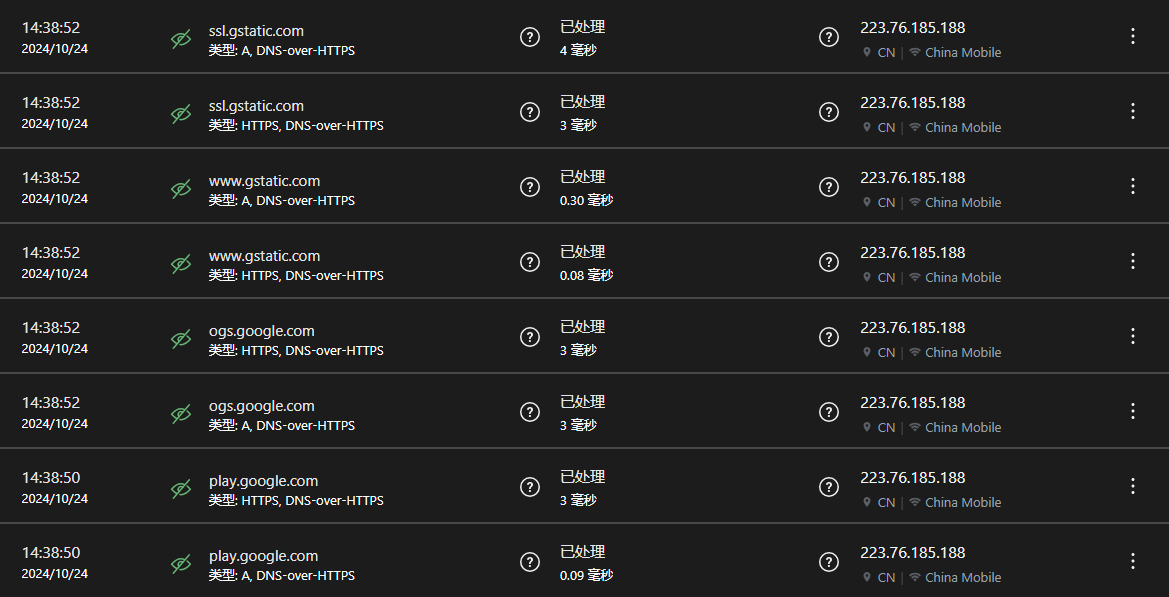
Access Logs
View internet access records. The private service provides 24-hour network access log query.
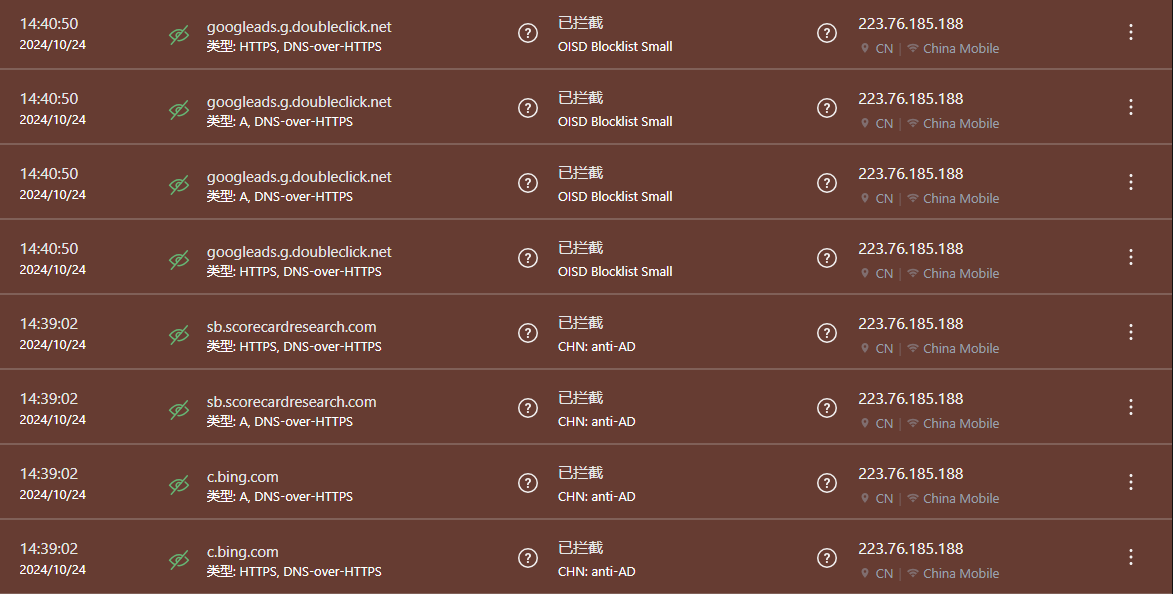
Blocking Logs
View blocking records to understand which ads were blocked and which websites were intercepted.
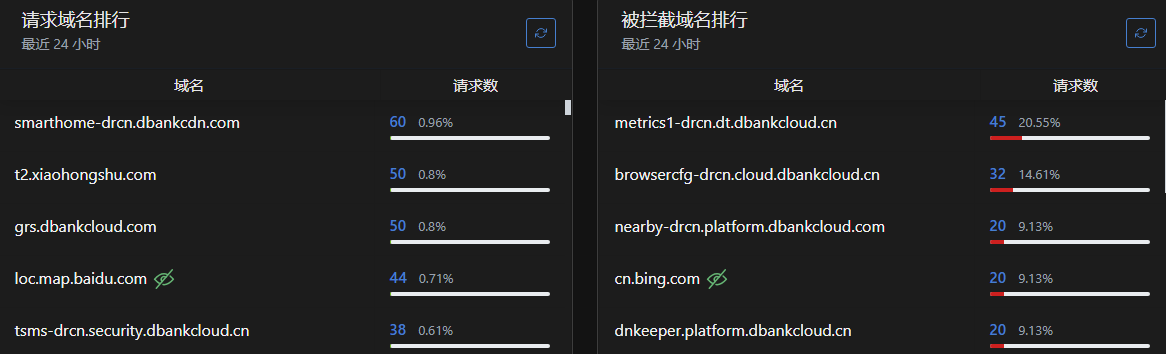
Statistics
The private service provides network access statistics within 24 hours to understand user browsing habits.
Statistics display most visited websites and most blocked websites.
Custom Rules
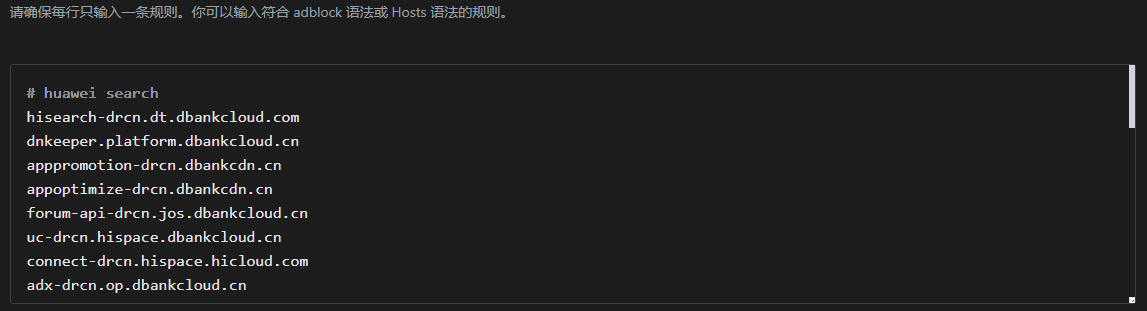
Create custom rules within the private service to block ads in frequently used apps or allow websites you don’t consider as ads.
Users may need to check access logs and observe website query records when launching specific apps to add custom rules.
Whitelist Mode
To prevent certain types of websites from being blocked, set whitelist mode to only allow access to specific websites.
Whitelist has higher priority than blacklist. Websites in the whitelist won’t be blocked. Users can add frequently used websites to the whitelist to avoid false blocking.

Authoritative Resolution
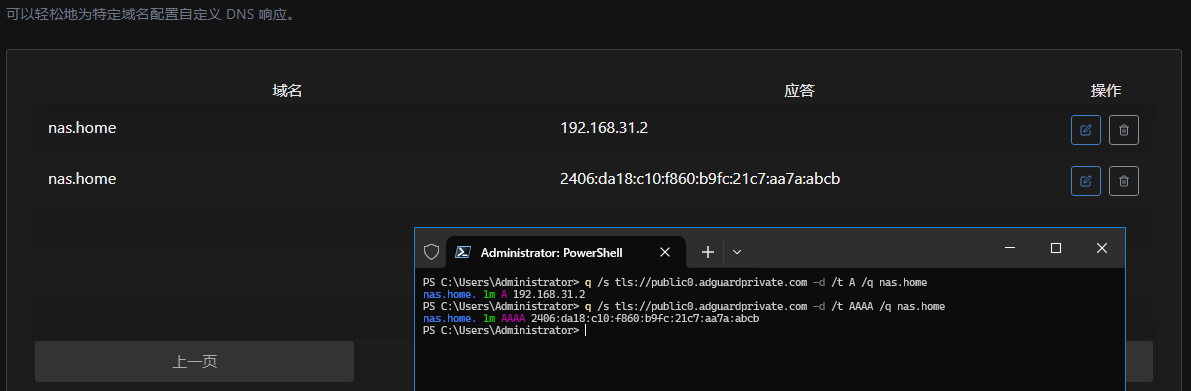
Supports adding authoritative resolution for enterprise or home devices, resolving specified names to home device IP addresses, eliminating the need to memorize IP addresses.
Users don’t need to purchase domains or complete ICP registration. Simply add authoritative resolution rules within the private service.